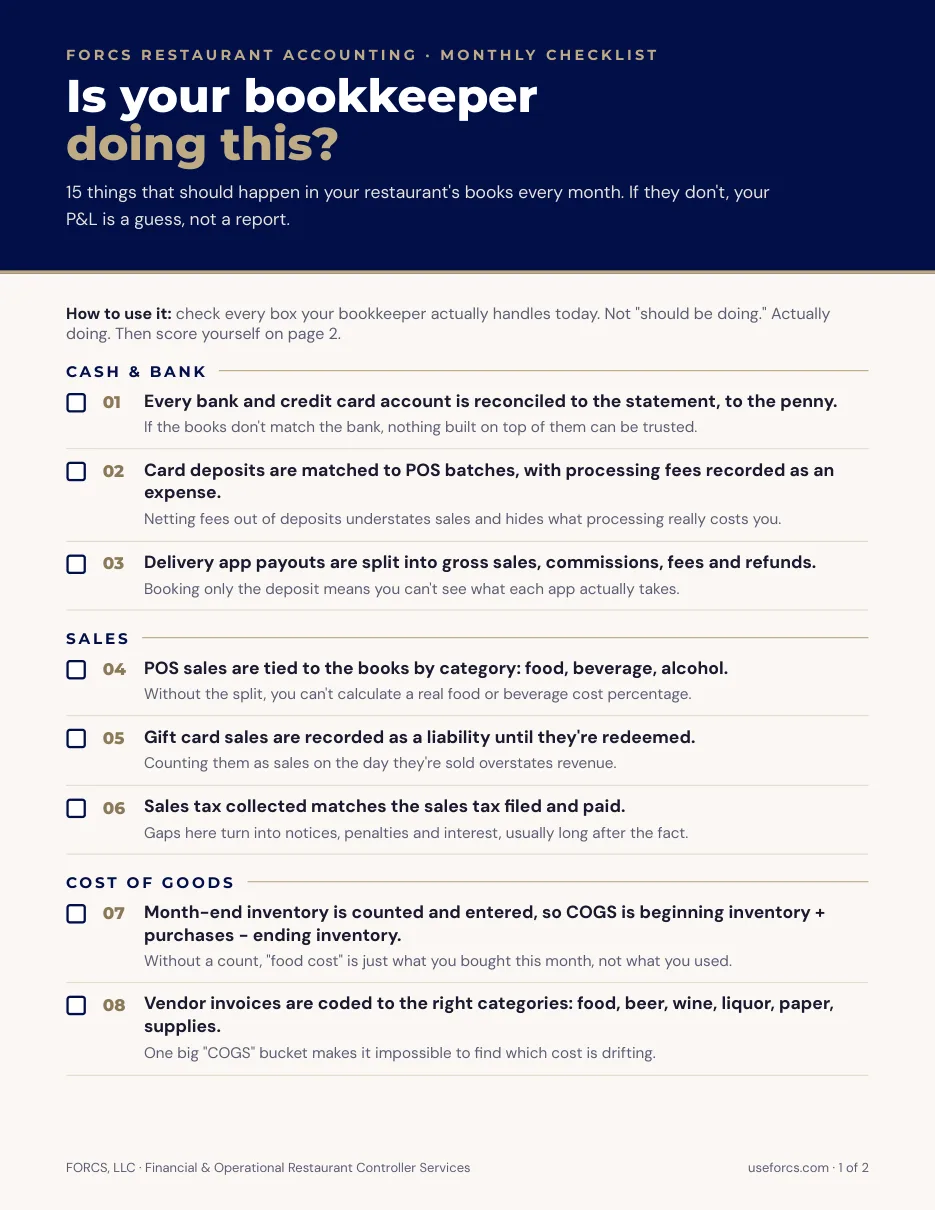
TL;DR: Handheld ordering is now common in quick service. In one 2025 survey of 264 operators, 68% used handhelds for line-busting or table-side ordering. Operators report faster service, but the books change too. Card tips, sales tax, fees and offline payments all flow through one deposit. Reconcile each batch to the bank, map the POS cleanly into your accounting system, and expense or capitalize hardware by a written rule.
Mobile POS for quick service restaurants gets pitched as a speed tool. Staff take orders and payments anywhere on the floor, in the line or at the curb, and the line moves. That part is real.
What gets less attention is what lands in your books afterward. More payment points means more batches, more tip adjustments and more places for a sale to go missing between the POS and the bank. Faster ordering also puts new pressure on labor schedules and menu mix reports.
This post covers mobile POS from the controller’s side of the desk. It looks at what changes in your sales data, how to tie deposits back to sales, where tips and offline payments create risk, and how to book hardware and processing fees. I’ve spent 20 years in accounting, eight of them in restaurants, and the POS is where most clean books begin or fall apart.
What Does Mobile POS Change for Quick-Service Restaurants?
Mobile POS lets staff take orders and card payments away from the counter. Operators say it speeds service and lifts check size. For accounting, it means more devices, more payment batches and more order sources feeding your sales data, so setup and reconciliation matter more.
The adoption numbers are solid. A Starfleet Research survey for Square of 264 restaurant professionals found 68% used handhelds for line-busting or table-side ordering, and 42% used them for curbside or drive-thru. Of the respondents, 82% reported faster service and 63% reported higher average checks from upsell prompts. About 77% of handheld users said their devices sync with kitchen display screens. The data is self-reported and the study was done with a POS vendor, so treat the gains as directional.
Digital ordering is the other shift. Ipsos found that 74% of quick-service customers have used a restaurant’s app to order ahead, and that order accuracy ranks as their top priority. Each channel you add (handheld, app, kiosk, delivery) needs its own revenue line and its own payment type in your books. If you run a counter-service concept, our quick-service restaurant accounting page covers how we set that up.
How Do You Reconcile Mobile POS Deposits to Sales?
Start from the bank credit and work back to the POS batch report. Net deposit equals card sales plus card tips, minus fees, refunds and chargebacks. Sales tax collected also sits inside the card total. Reconcile per batch, not per day, because timing differences hide real errors.
That formula comes from a vendor-neutral deposit reconciliation guide, which says it holds across Toast, Clover, Square and traditional processors. The same guide lists the timing traps that cause most false alarms:
- Batches typically settle one to three days after close.
- Restaurants that close lunch and dinner separately get separate batches.
- Friday through Sunday batches often land together in Monday’s deposit.
- American Express often settles a day or two behind Visa and Mastercard.
- Cardholders have 60 days to dispute a charge, so a chargeback can hit weeks after the sale.
A handheld adds one more wrinkle. An order taken near closing can land on one business date in the POS and in another day’s batch at the processor. Pick a cutoff, document it, and compare the POS sales date and the batch date on the same basis.
Book the difference between the sales you recorded and the cash you received to a clearing account until it is explained. Anything older than a week or so should be a named variance, not a plug. Our guide to a restaurant chart of accounts shows where clearing, tips payable and processing fee accounts belong.
Tips and Offline Payments Need Their Own Controls
Card tips are paid to you in the same deposit as the sale, so they inflate cash without being revenue. Book them to a tips payable liability and clear that account when you pay staff. Handhelds also add offline payment risk, which lands on your P&L if a card fails to sync.
On tips, the rule is simple: sales go to revenue, tips go to a liability. Tip adjustments are where mobile gets messy. On Toast, for example, a card payment can only be adjusted before the end-of-night batch captures it. After capture, fixing a tip means a different process. Train staff to finalize tips before closeout, and check for tip changes made after the batch.
Offline mode is the other control point. If a handheld loses Wi-Fi, some systems keep taking cards and hold them until the device reconnects. Square says you have 24 hours to reconnect after the first offline payment, and that the merchant is responsible if a card is declined at sync. That makes a declined offline sale a real loss, and it should have its own account, such as cash over/short or bad payment write-offs, so you can see how often it happens. Set a per-ticket offline limit if your system allows it.
For tip pooling, payroll treatment and reporting rules, see our post on restaurant tipping rules.
Labor Scheduling and Menu Mix Reporting
Better order data helps you schedule labor by hour and see which items sell. The metric to watch is sales per labor hour (SPLH): net sales divided by paid labor hours. It only works if your sales are posted to the right day-part and your labor hours are complete.
SPLH is net sales (after discounts and comps) divided by all paid hours, including managers on the clock, according to 7shifts. Tips are left out of both sides. Its typical range for quick service is $100 to $150 or more, against $50 to $80 for full service. Those are vendor ranges, not audited benchmarks, so set your own baseline by day-part and improve from there.
Handhelds can distort SPLH in two ways. If staff clock in under the wrong job code, the labor hours land in the wrong bucket. And if sales are timestamped when the order is sent instead of when it is paid, a rush can shift into the next hour. Check both before you trust a new report.
Menu mix needs the same care. Item-level sales only help if modifiers, combos and open-priced items are set up consistently on every device. Otherwise one burger shows up under five names and your actual versus theoretical food cost comparison is off. Read SPLH alongside ideal labor cost targets so scheduling gains show up in dollars.
How Should You Book Mobile POS Hardware and Processing Fees?
Book processing fees as an operating expense, ideally in their own account, and record them at the amount the processor deducted. Hardware under your written capitalization threshold can be expensed. Larger or longer-lived purchases usually get capitalized and depreciated.
Hardware first. The IRS de minimis safe harbor lets a business without audited financial statements expense items up to $2,500 per invoice or item, or $5,000 if it has an applicable financial statement. Many handhelds fall under that line. For example, one 2026 pricing guide lists Toast’s Go 2 handheld at $409 to $699, with battery replacements not included. Make the election on your return, set a matching policy in your books, and apply it the same way every time. Our restaurant equipment costs post covers the bigger pieces of equipment. Ask your tax preparer before you change anything.
Fees second. Processing is a percentage plus a per-transaction charge, and the plan you choose shifts the mix. The same guide shows Toast’s starter option at about 3.09% to 3.69% plus 15 cents in person, versus about 2.49% plus 15 cents on its $69 monthly plan. That is a trade of monthly software fees against card fees, and it changes with volume. Pull your processor statement each month and check that the fee deducted in the deposit matches the fee on the statement. Rates quoted in guides are estimates, so use your own contract.
If a processor takes repayments for a cash advance from each deposit, that is a loan payment, not a fee. Split it out.
Does Your Mobile POS Feed Your Accounting System Cleanly?
It does if the POS is mapped to your chart of accounts and someone reviews the daily summary. Most accounting systems pull sales by item, tender, discount and tip, then build a journal entry. If the mapping is wrong, every number downstream is wrong too.
Restaurant365’s documentation explains the pattern. The POS integration creates a Daily Sales Summary for each location and day. Sales accounts set the credit side of the journal entry, and payment type accounts set the debit side. Deposits entered in the POS are subtracted from cash payments to produce the cash over/short line. What data you get varies by POS, and some systems send only a summary without item detail.
New devices and new order channels are where mapping breaks. When you add handhelds, a kiosk or an ordering app, check these items:
- Every new tender type has a payment account.
- Every new revenue center or order source has a sales account.
- Tips, sales tax and service fees post to liabilities, not revenue.
- Voids, comps and discounts post to their own contra accounts.
- Deposits tie to the bank by batch.
Run this check in the first week after any POS change, then again at month end. Our technology page lists the accounting and POS systems we work in.
Where FORCS Fits In
Mobile POS can make a quick-service restaurant faster. It only makes it more profitable if the data behind it is clean. The three things worth doing now:
- Reconcile deposits to POS batches, with tips and sales tax split out.
- Set a written hardware rule and a separate account for processing fees.
- Check your POS mapping after every device or channel change.
FORCS handles this inside the monthly close. We map the POS to your chart of accounts, tie deposits to the bank, and report labor and menu mix next to your sales. If your numbers stopped matching after a POS change, book a call with FORCS and we will find where they split.
Frequently Asked Questions
What is a mobile POS system for a restaurant?
A mobile POS is a handheld or tablet system that takes orders and card payments away from a fixed register. Staff use it in the line, at the table or at the curb. It sends orders to the kitchen and the same sales data to your accounting system.
Does mobile POS change how I record sales?
The accounting rules stay the same: sales go to revenue, sales tax and tips go to liabilities. What changes is volume and timing. You get more devices and batches, so you need to reconcile each batch to the bank and confirm the POS maps to the right accounts.
Why don’t my POS sales match my bank deposits?
Common causes are batch timing, weekend deposits landing on Monday, tips and sales tax inside the card total, fees taken before payout, and chargebacks. A reconciliation guide breaks down the formula. Work back from the bank credit to the batch report.
Can I expense a handheld POS device?
Often yes. The IRS de minimis safe harbor allows up to $2,500 per item for businesses without audited statements, if you make the election and follow a written policy. Confirm with your tax preparer, since it depends on your setup.
What happens if a card is declined after an offline payment?
You absorb the loss. Square states that the merchant is responsible if a card is declined once offline payments sync, and that payments not synced within 24 hours expire. Set a per-ticket limit and track failed offline sales in their own account.